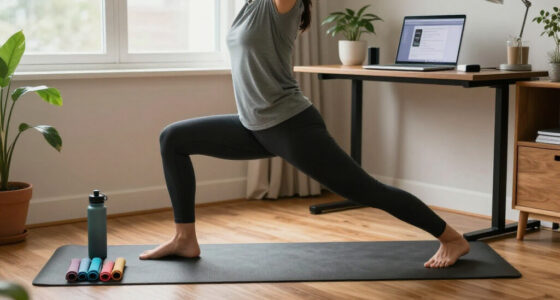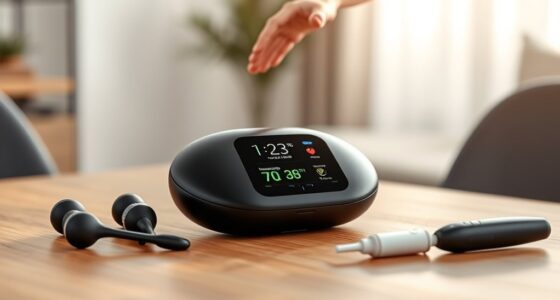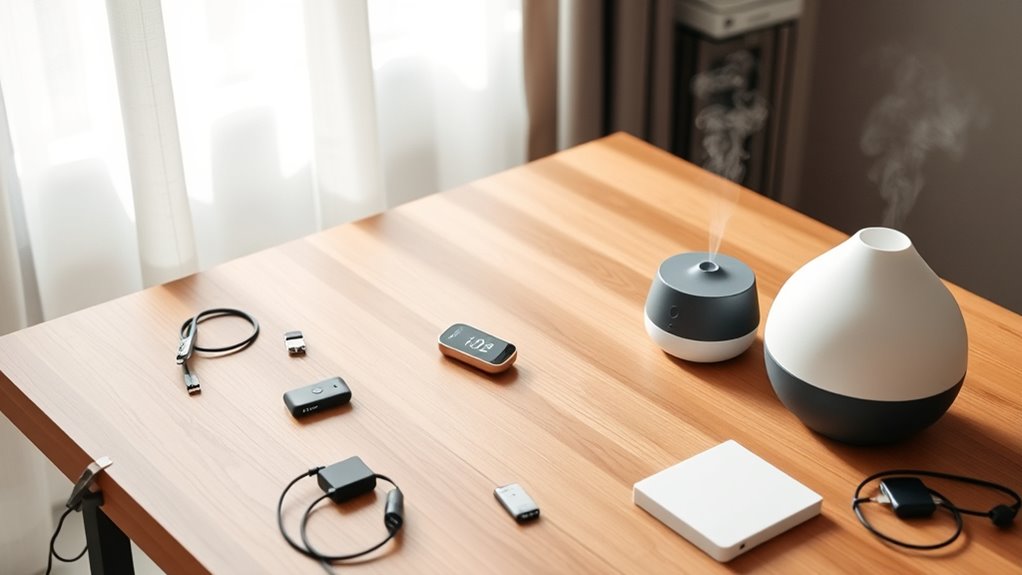

To declutter your wellness tech, focus on keeping devices and apps that truly motivate and support your goals, like a reliable fitness tracker or a meditation app that fits your style. Remove outdated gadgets, multiple apps doing the same thing, or anything that causes overwhelm. Simplifying your tools enhances motivation and makes wellness routines more enjoyable. Stick to what’s essential, and you’ll find it easier to stay consistent—if you want tips on how to do this, keep going.

Get wellness gear delivered free — and shop member deals
- Fast, free delivery on millions of items
- Access to Prime Big Deal Days deals on October 6–7
- Prime Video, Amazon Music and more included
Key Takeaways
- Keep devices that motivate and accurately track progress; remove outdated or malfunctioning gadgets to reduce clutter.
- Limit meditation apps to one that best supports your style, avoiding overwhelm from multiple choices.
- Assess if existing fitness gadgets cover sleep tracking before adding separate apps to prevent redundancy.
- Prioritize personalized, high-quality tools that truly support your wellness goals over numerous generic devices.
- Simplify your tech setup to boost motivation, reduce decision fatigue, and create a more enjoyable wellness routine.

Have you ever felt overwhelmed by the endless array of wellness gadgets and apps cluttering your space and mind? It’s easy to accumulate devices like fitness gadgets or download countless meditation apps, only to find that many of them sit unused after a short while. This clutter not only takes up physical space but also drains mental energy, making it harder to focus on what truly benefits you. The key is to declutter your wellness tech by identifying what genuinely supports your goals and letting go of the rest.
Start by evaluating your fitness gadgets. Do you have a smartwatch or fitness tracker that helps you stay active? If it motivates you and tracks your progress effectively, keep it. However, if you’ve outgrown it, or it’s not syncing properly, consider removing it. Similarly, if you’ve got multiple devices performing similar functions—say, two different smartwatches or fitness bands—it’s wise to consolidate. Keeping only the one that offers the features you need most reduces clutter and simplifies your routine. Remember, having too many gadgets can lead to confusion and burnout rather than motivation.
When it comes to meditation apps, the same principle applies. If you rely on a specific app that helps you find calm and keeps you consistent, stick with it. But if you’ve downloaded several and none seem to stick or you find yourself overwhelmed by notifications and interface choices, it’s time to streamline. Choose one or two apps that resonate with you, preferably ones with guided sessions or features that align with your meditation style. Uninstall the others to clear mental space and avoid decision fatigue. This way, you create a simple, reliable routine that encourages you to stick with your practice.
It’s also worth considering whether all your tech is necessary. For example, do you need a separate app for sleep tracking if your fitness gadget already monitors your sleep patterns? Or does switching between multiple meditation apps create confusion instead of calm? Be honest about what adds value versus what causes clutter. Often, simplifying your tech setup can boost your motivation and make your wellness practices more enjoyable rather than a chore.
Additionally, understanding the importance of personalized tools can help you choose the most effective wellness technology—focusing on quality over quantity. Remember that decluttering isn’t just about discarding; it’s about making room for what truly works. Keep tools that genuinely help you stay healthy and happy, and let go of the rest. Removing unnecessary gadgets and apps can make your wellness journey more focused, less stressful, and ultimately more effective. It’s about quality over quantity—fewer, better tools that fit your lifestyle will serve you better than an overflowing collection of unused devices and apps.
best fitness tracker for motivation
As an affiliate, we earn on qualifying purchases.
As an affiliate, we earn on qualifying purchases.
Frequently Asked Questions
How Often Should I Review My Wellness Tech Devices?
You should review your wellness tech devices every 6 to 12 months to make certain they stay effective and secure. Regular checks help you assess device longevity and whether updates are needed. During this review, prioritize data privacy by deleting unnecessary data and updating security settings. Staying proactive protects your information and guarantees your devices continue supporting your wellness goals without risking privacy breaches.
Are Any Wellness Devices Essential for Overall Health?
Think of your body as a garden needing careful tending. A smart device that tracks your health metrics acts like a seasoned gardener, helping you spot weeds and nurture growth. Essential wellness devices include those that monitor heart rate, sleep, and activity levels, guiding you toward better health. If it helps you stay aware and motivated, it’s worth keeping—like a trusty tool in your garden of well-being.
How Can I Determine Which App Is Worth Keeping?
To determine which app is worth keeping, start with app evaluation by asking if it genuinely helps you meet your wellness goals. Check how often you use it and if it provides valuable insights. Consider device longevity—if an app consistently drains your device or causes glitches, it’s not worth keeping. Trust your instincts and prioritize apps that improve your well-being without cluttering your digital space.
What Are the Signs I Should Replace My Wellness Tech?
Think of your wellness tech as a trusty compass; when it starts leading you astray, it’s time for a change. If your fitness trackers or sleep monitors become unreliable, outdated, or no longer sync properly, substitute them. Signs include inaccurate data, persistent glitches, or if your goals evolve beyond their capabilities. Staying current ensures you’re truly benefiting from your devices, just like updating a map for the best route.
Is It Necessary to Upgrade Devices Regularly?
You don’t always need to upgrade your wellness devices regularly. Focus on device compatibility and feature updates; if your current device works well and remains compatible with your apps and ecosystem, there’s no rush. However, if updates improve functionality or security, consider upgrading. Staying informed about new features helps you decide when an upgrade is truly necessary, ensuring you get the most out of your wellness tech without unnecessary replacements.
As an affiliate, we earn on qualifying purchases.
Conclusion
By gently letting go of unnecessary gadgets, you create space for truly meaningful wellness tools. Remember, it’s not about perfection, but about fostering a peaceful, focused environment that nurtures your well-being. Clearing out the clutter allows you to embrace what genuinely supports your health journey without distraction. So, trust your intuition, keep what inspires you, and gracefully sideline the rest—your wellness space will thank you for it.
As an affiliate, we earn on qualifying purchases.
As an affiliate, we earn on qualifying purchases.
Halloween Picks
halloween
As an affiliate, we earn on qualifying purchases.