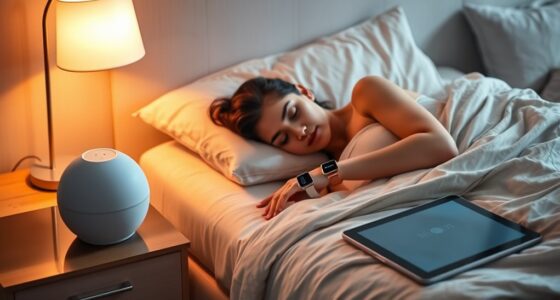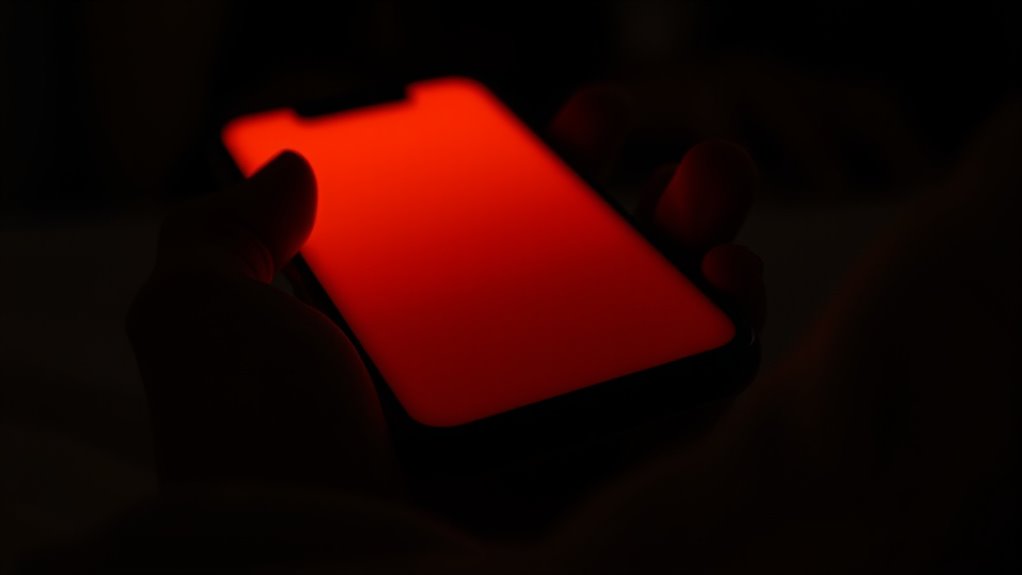

Using screen tinting apps or night mode can really help you sleep better by reducing blue light exposure in the evening. Warmer screen tones promote melatonin production, making it easier for you to fall asleep and enjoy more restful sleep. They also lessen eye strain from prolonged device use. While not a complete solution, incorporating these apps into your nightly habits can make a noticeable difference—if you want to learn more, keep exploring their benefits and limitations.

Get wellness gear delivered free — and shop member deals
- Fast, free delivery on millions of items
- Access to Prime Big Deal Days deals on October 6–7
- Prime Video, Amazon Music and more included
Key Takeaways
- Screen tinting apps reduce blue light exposure, which can promote melatonin production and support better sleep.
- They help create a more relaxing, sleep-friendly environment by warming screen colors during evening use.
- Consistent use of night mode can decrease eye strain and fatigue, making device use more comfortable before bed.
- While helpful, screen tinting apps are most effective when combined with other good sleep practices like limiting screen time.
- Not all apps are equally effective; understanding blue light’s impact can help you choose the best tools for better sleep.

In today’s digital age, screen tinting apps have become popular tools for reducing eye strain and improving your viewing comfort. These apps typically shift your screen’s color temperature to warmer tones, especially during the evening hours, aiming to lessen the harsh blue light emitted by your devices. Blue light reduction is a key feature because exposure to blue light in the evening can interfere with your circadian rhythm, making it harder to fall asleep and diminishing your overall sleep quality. By using these apps, you can create a more sleep-friendly environment, especially when browsing, reading, or watching content before bed.
When you activate night mode or similar tinting features, the screens emit less blue light, which helps your eyes relax and reduces fatigue. This isn’t just about comfort; it’s about protecting your sleep cycle. The less blue light your eyes absorb in the evening, the less your brain is stimulated to stay awake, promoting melatonin production—the hormone responsible for signaling sleep. As a result, many people find that they fall asleep faster and experience more restful sleep when they use screen tinting apps during their nightly routines.
However, it’s important to understand that not all apps and settings are equally effective. Some provide customizable levels of tinting, allowing you to adjust the warmth of your screen to suit your preference and sensitivity. Others may have scheduled timers that automatically activate at sunset or a set time, ensuring you don’t forget to switch to a sleep-friendly mode. These features help integrate blue light reduction seamlessly into your routine, making it easier to maintain consistent sleep patterns.
While screen tinting apps can considerably improve sleep quality by minimizing blue light exposure, they aren’t a complete solution. Good sleep hygiene also involves limiting screen time before bed, maintaining a regular sleep schedule, and creating a calming bedtime environment. But as part of your overall strategy, these apps are a simple, effective tool to help you wind down. By reducing blue light exposure in the evening, you allow your body to produce melatonin naturally, which supports healthier sleep cycles. So, if you’re looking for a way to make your digital habits more sleep-friendly, trying out a screen tinting app might just be worth it, especially if you notice your eyes feeling strained or your sleep quality slipping. Understanding the role of blue light in sleep disruption can help you make more informed choices about your device usage at night.
blue light filter app for night mode
As an affiliate, we earn on qualifying purchases.
As an affiliate, we earn on qualifying purchases.
Frequently Asked Questions
Do Screen Tinting Apps Affect Battery Life Significantly?
Screen tinting apps can cause some battery drain, especially if they run continuously or aren’t optimized for your device. However, they typically don’t substantially impact battery life if the app is compatible with your phone’s hardware and software. To minimize battery drain, use the app only when needed, and check for updates that improve app compatibility and efficiency.
Are There Any Health Risks Associated With Using Night Mode?
Using night mode is like turning down the volume on your screens, but it doesn’t come without risks. You might experience less eye strain, yet it could cause circadian disruption if used excessively, confusing your body’s internal clock. Although generally safe, overuse may lead to sleep issues or eye discomfort. Balance your screen time wisely to protect your health and keep your sleep cycle in harmony.
Can Tinting Apps Impair Visibility in Low-Light Conditions?
Tinting apps can impair your visibility in low-light conditions by reducing glare, making it harder to see clearly. The tinted screen may also affect color accuracy, which can be frustrating if you’re trying to read or navigate. While glare reduction is helpful, be aware that it might compromise your ability to perceive details, so use these apps carefully, especially when driving or performing tasks that require sharp vision.
How Do Different Tinting Colors Impact Sleep Quality?
Different tinting colors substantially impact your sleep quality. Cooler tones with higher color temperatures, like blue light, can suppress melatonin, making it harder to fall asleep. Warmer hues with lower color temperatures promote relaxation, helping you unwind. By choosing tinting colors wisely—favoring warm, amber, or orange shades—you support your sleep cycle, reduce eye strain, and create a calming environment conducive to restful sleep.
Are Built-In Device Settings Better Than Third-Party Tinting Apps?
Built-in device settings are often better than third-party tinting apps because they typically offer more seamless blue light filtering and integrate with automatic brightness adjustments. You’ll notice smoother progressions and less eye strain when your device automatically dims or shifts to warmer tones in the evening. Plus, they tend to be more reliable and less likely to interfere with your device’s performance, helping you wind down more effectively.
screen tinting app for better sleep
As an affiliate, we earn on qualifying purchases.
As an affiliate, we earn on qualifying purchases.
Conclusion
Think of screen tinting apps as your nightly lighthouse, guiding your mind away from the stormy seas of blue light. While they may not wipe out sleep troubles entirely, they help create a calmer harbor for your eyes. Like a gentle sunset signaling day’s end, these apps can signal your brain it’s time to unwind. Ultimately, they’re a helpful tool, but true sleep peace comes from consistent habits and a cozy, dark harbor to rest in.
night mode blue light reduction app
As an affiliate, we earn on qualifying purchases.
As an affiliate, we earn on qualifying purchases.
adjustable screen color temperature app
As an affiliate, we earn on qualifying purchases.
As an affiliate, we earn on qualifying purchases.
Fall Picks
fall essentials
As an affiliate, we earn on qualifying purchases.